SPLIT BILLS
One table. Different ways to pay.
Split by item or share, with a payment mode for each part. Keep the kitchen order intact.
RESTAURANT BILLING & KOT SOFTWARE · INDIA
From the waiter’s first order to the kitchen’s last ticket. Bring your tables, KOTs and billing together with Cartix.
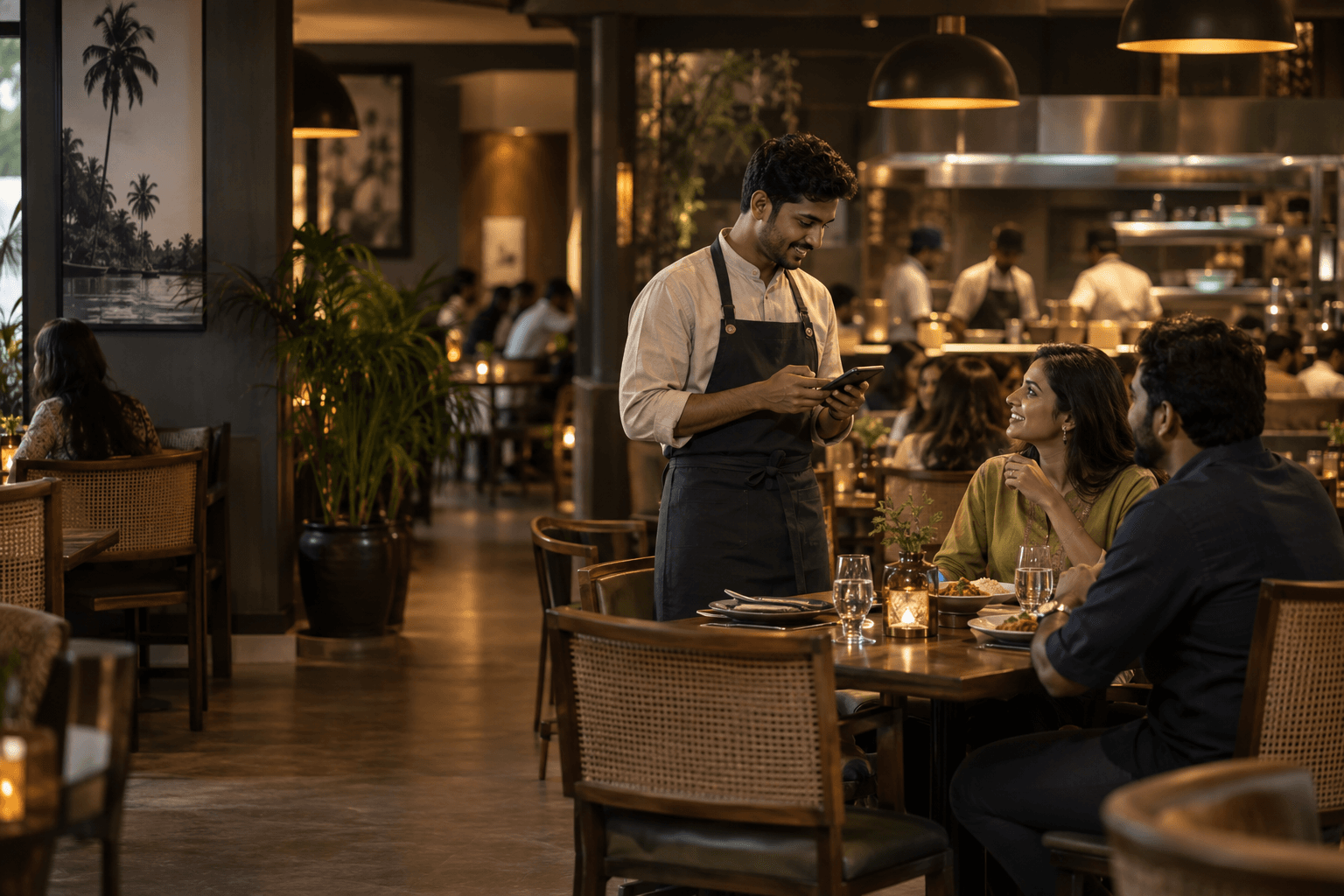
THE DINNER RUSH, CONNECTED.
No two tables have the same evening.
Give every order a clear path through yours.
DINING FLOOR
WAITER · CARTIX TEAM
Take orders with the Cartix Team Android app. Keep the table and its order together as the evening unfolds.
Choose a step above to follow the order.
DINING FLOOR
A waiter app deserves a place on your floor. Cartix Team brings order taking and kitchen work to staff phones, with access built around their role.
An Android app for your waiters and staff, alongside your Cartix counter.
Connect order taking with kitchen work so your team can follow the service.
Staff can do their work without access to money, margins or owner reports.
Companion app access is included while your shop’s AMC is active.
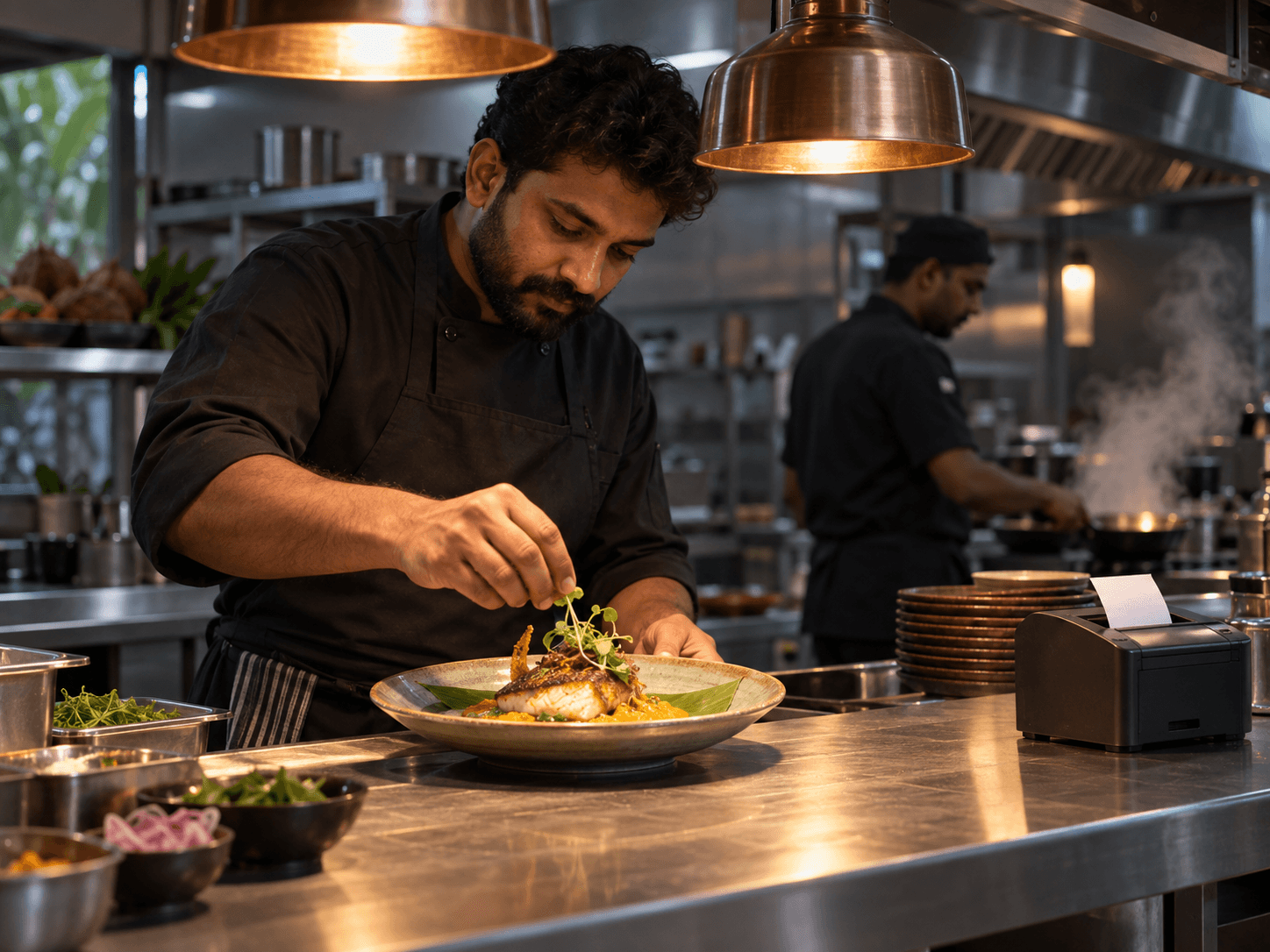
LESS GUESSING AT THE PASS.
Get the right order to the right section. KOTs can print or display by kitchen section, with batch status updates that keep the counter informed.
Keep preparation organised across the kitchen and beverage counter.
Track what is being prepared, ready and served.
Splitting a bill doesn’t cancel an order in the kitchen.
BUILT FOR REAL RESTAURANT MOMENTS.
Big groups. Quick parcels. One more round.
Make room for the way restaurants really run.
SPLIT BILLS
Split by item or share, with a payment mode for each part. Keep the kitchen order intact.
TABLE & FLOOR MANAGEMENT
Keep a running order with its table. Move tables or merge parties as the evening changes.
QR ORDERING
Per-table QR ordering lets guests order from their phones, with tickets sent to the counter’s kitchen printer.
Dine-in and parcel rates, covers, average spend per cover and food-cost reporting — alongside stock, GST and staff permissions.
BEFORE YOUR FIRST SERVICE.
We can walk through your tables, printers and team setup in a restaurant demo.
Yes. Dine-in and parcel are modes on the same order screen and each can carry its own price, so an item that costs more at the table than in a box is handled without a duplicate product.
Covers and average per cover are recorded per table and per session, so you can see which sections and which times actually earn.
Yes. Each table gets its own QR. Guests can order from their phones and the kitchen ticket prints through the printer connected to your counter. This is another ordering option alongside the Cartix Team waiter app. Individual table QR tokens can be rotated.
Yes. Cartix Team is available on Android for staff and waiters, including order taking and kitchen work. Staff do not get access to money, margins or owner reports. Companion access is included while your shop AMC is active. Contact us for Android setup and a restaurant demo.
Core desktop billing works offline. LAN counters require their main hub and local network: if that hub is off, connected counters cannot bill. Independent hubs work offline and sync when internet returns. Cloud and connected services need internet and an active AMC. Ask us to check your waiter, QR and kitchen setup for its network requirements.
The desktop trial includes 3 products and 10 bills. For a walkthrough of waiter ordering, KOT routing and your kitchen setup, book a restaurant demo with our team.
GREAT FOOD. WELL-RUN SERVICE.
See how Cartix fits your restaurant, your kitchen and your team.
Desktop trial: 3 products · 10 bills · Windows 10 / 11First year AMC included.
Then ₹4,999/year for connected services, updates and support.